
Are you waiting to see if you have been offered admission into Alex Ekwueme Federal University Ndufu-Alike (AE-FUNAI) for the 2025/2026 academic session? Don’t worry; this simple and clear guide will help you. In this post, you will learn how to check your AE-FUNAI admission status on both the JAMB CAPS and the AE-FUNAI admission portal without stress.
Whether you used JAMB or the AE-FUNAI Post-UTME portal, this step-by-step guide will show you everything you need to know, from how to log in to how to accept your admission. So, if you want to confirm your AE-FUNAI Admission Status 2025/2026, read this guide carefully to the end.
Understanding AE-FUNAI Admission Process 2025/2026
Before checking your admission status, it’s good to understand how the AE-FUNAI admission process works. Every year, the university admits new students based on UTME, Direct Entry, and Supplementary lists.
The process usually goes like this:
-
You register and sit for the JAMB UTME exam.
-
You apply for AE-FUNAI Post-UTME screening through the official portal.
-
The university checks your scores, O’level results, and other details.
-
If you qualify, your name appears on the AE-FUNAI admission list or on JAMB CAPS first.
Sometimes, your name will appear on JAMB CAPS before it shows on the AE-FUNAI portal, so it is important to check both.
Would you love to check?
How to Check AE-FUNAI Admission Status on JAMB CAPS 2025/2026
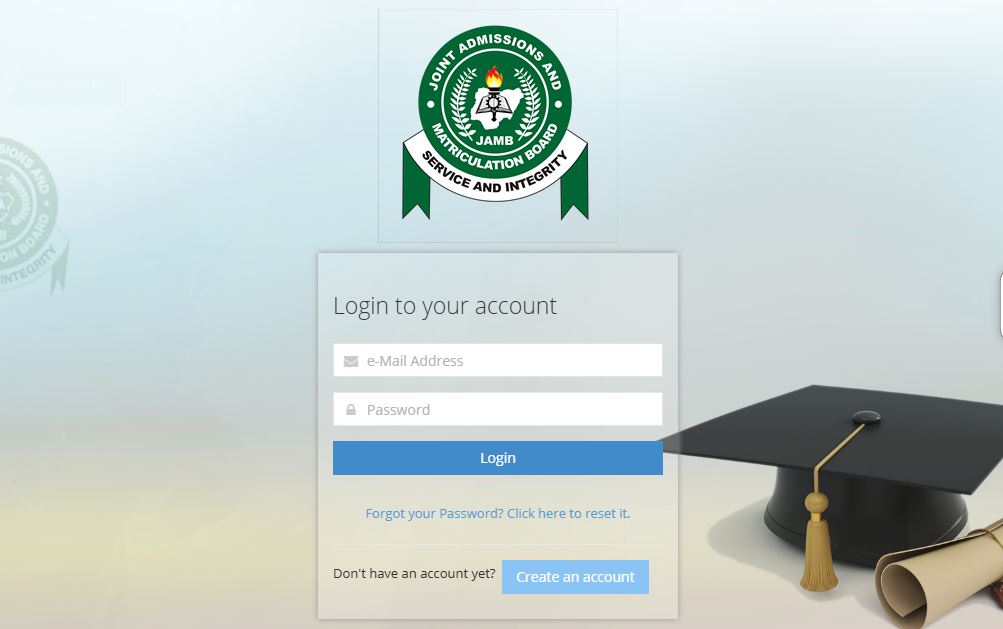
Checking your admission on JAMB CAPS is the first and most important step. Follow these simple steps carefully:
Step 1: Visit the JAMB CAPS Portal
Go to the official JAMB CAPS website by visiting https://efacility.jamb.gov.ng.
Make sure you use a phone or computer with an internet connection.
Step 2: Log in to Your JAMB Profile
Enter your email address and password that you used to create your JAMB account.
Once you log in, you’ll see your dashboard.
Step 3: Click on “Check Admission Status”
On your dashboard, scroll down and find “Check Admission Status”.
Click it to move to the next page.
Step 4: Select the Correct Exam Year
Choose 2025 as your JAMB examination year.
Then enter your JAMB registration number in the box provided.
Step 5: Click “Access my CAPS”
After entering your details, click “Access my CAPS” to open your JAMB CAPS page.
Step 6: Check Your Admission Status
On the left side of the page, click “Admission Status”.
If you have been offered admission, you will see a message like:
“Congratulations! You have been offered admission to AE-FUNAI.”
If you see this, congratulations, you have made it!
If you are not yet admitted, you may see:
“Admission in progress” or “Not yet admitted”.
Don’t panic if it says that; AE-FUNAI releases admission in batches, so keep checking often.
Step 7: Accept or Reject the Admission
If you see the offer, click “Accept Admission” to confirm it.
Don’t click “Reject” unless you are very sure you don’t want the admission.
Once accepted, your name will appear on the official AE-FUNAI admission list soon.
How to Check AE-FUNAI Admission Status on FUNAI Portal
After checking on JAMB CAPS, the next step is to confirm your admission on the AE-FUNAI school portal. Follow the steps below carefully.
Step 1: Visit the Official AE-FUNAI Admission Portal
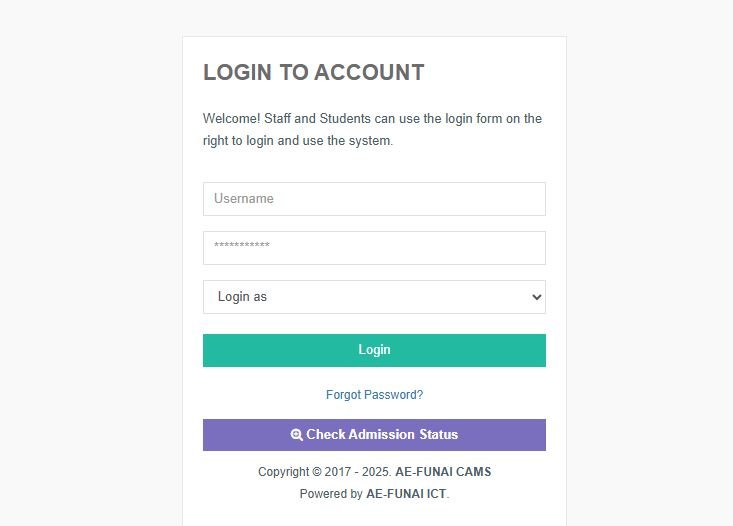
Go to https://www.funai.edu.ng.
Once the homepage opens, find the link that says “Admission Portal” or “Check Admission Status.”
You can also go directly to the Post-UTME portal through https://admission.funai.edu.ng.
Step 2: Log in to Your Portal Account
Enter your JAMB Registration Number and Password used during your post-UTME registration.
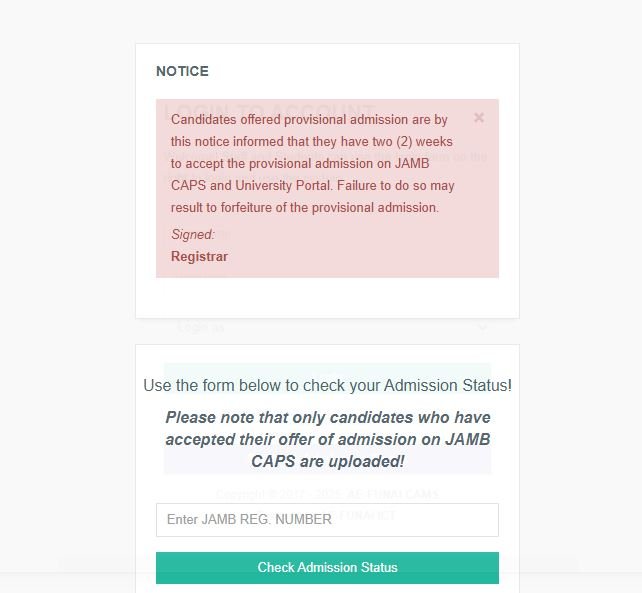
Step 3: Click on “Check Admission Status”
After logging in, click on “Check Admission Status.”
If you have been offered admission, your details and course will appear on the screen.
Step 4: Print Your Admission Letter
Once you see your admission, go ahead and print your admission letter directly from the portal.
You will need this letter during clearance and registration.
What to Do After Getting AE-FUNAI Admission 2025/2026
If you have been offered admission, congratulations again!
Here are the next important steps to follow:
-
Accept the Admission on JAMB CAPS – This step is compulsory; without it, your admission may be withdrawn.
-
Print JAMB Admission Letter – You can print it from your JAMB profile for documentation.
-
Pay Acceptance Fee – Go back to the AE-FUNAI portal to pay the required acceptance fee online.
-
Upload Your O’Level Results – Make sure your WAEC or NECO result is uploaded on JAMB CAPS.
-
Proceed for Screening and Registration – Follow the school’s guide for physical clearance and course registration.
-
Stay Updated on FUNAI Admission News – Keep checking your portal and school website for updates on the resumption date and registration schedule.
If You Are Not Yet Admitted
If your AE-FUNAI Admission Status still shows “Not Admitted” or “Admission in Progress”, don’t lose hope.
Here are a few reasons why this may happen:
-
Your name is not yet on the current batch.
-
You didn’t upload your O’level result on JAMB CAPS.
-
You didn’t meet the cut-off mark for your chosen course.
-
You might still be considered for Supplementary Admission.
Keep checking both the JAMB CAPS and AE-FUNAI portal regularly. The university releases multiple batches of Merit List, Second List, and Supplementary List.
Common Problems and Quick Solutions
| Problem | Quick Solution |
|---|---|
| JAMB CAPS not opening | Use Chrome browser and switch to “Desktop Site.” |
| Wrong password or email | Use the “Forgot Password” link to reset. |
| “No Admission Given Yet” message | Keep checking daily; your name may appear later. |
| Missing O’level result | Re-upload your result on JAMB portal immediately. |
Important Links to Remember
-
AE-FUNAI Official Website: https://www.funai.edu.ng
-
AE-FUNAI Admission Portal: https://admission.funai.edu.ng
-
JAMB CAPS Portal: https://efacility.jamb.gov.ng
Keep these links saved for easy access.
Other portal guides:
- Kogi State Polytechnic Admission Portal 2025
- Kaduna Polytechnic Admission Portal 2025
- FUDMA Admission Portal 2025
Conclusion
Checking your AE-FUNAI Admission Status 2025/2026 is very easy if you follow the steps above carefully. Always remember to confirm your admission on both JAMB CAPS and the AE-FUNAI portal before making any payment.
If your name does not appear yet, stay calm; more admission lists will still be released. Just keep checking regularly and make sure your documents are complete.
Once you are admitted, follow all the school’s instructions, pay your acceptance fee, and get ready to start your studies at Alex Ekwueme Federal University Ndufu-Alike (AE-FUNAI).
We wish you the best of luck in your academic journey!

Pingback: BASUG Admission Portal 2025 – Check Admission List / Accept Offer
Pingback: Global Polytechnic Admission List 2025/2026 is Out